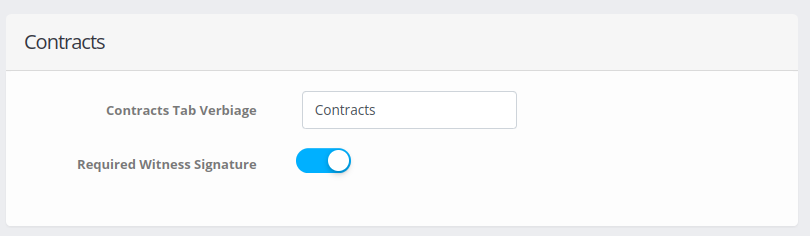
If a witness signature is required, go to Account → Customer Portal – “Customer Portal Settings” and in the section “Contract” toggle on “Required Witness Signature”. From now on, new contracts will require a witness signature. This does not apply to contracts already signed.
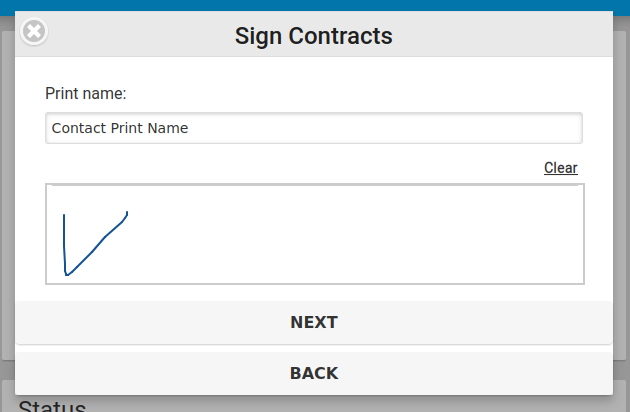
Further from the “Installer Mobile View” page when signing the contract the customer’s signature is followed by the witness’s signature.
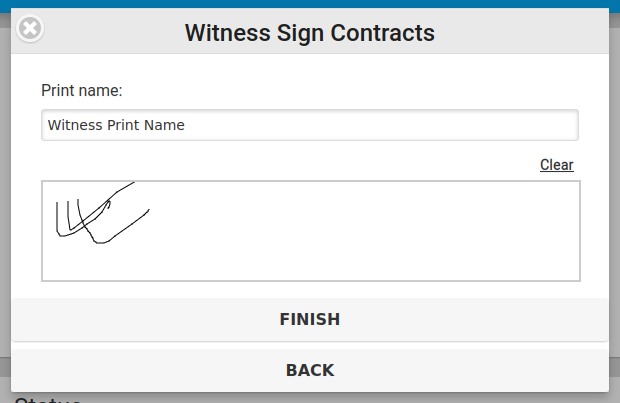
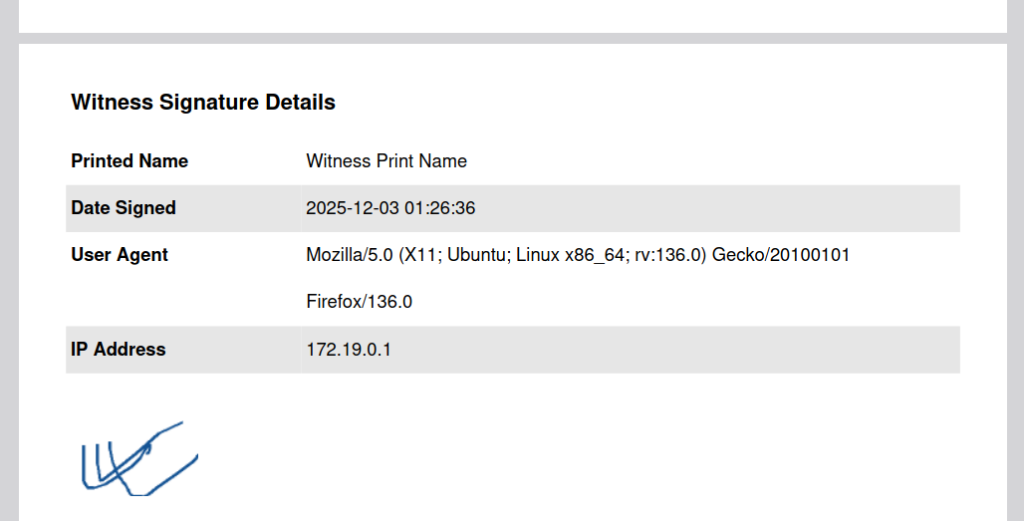
This signature will be displayed in the PDF version of the contract on the next page after the customer’s signature.
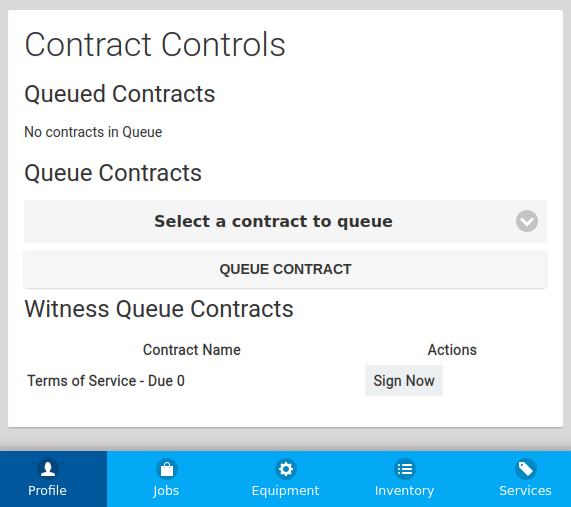
If the contract was signed from the customer portal and requires a witness signature, this contract will be available in the list “Witness Queue Contracts” and will only require a witness signature.